Quick start
You can be up and running with Lucky Draw Plus and picking your own winner in just minutes. Here’s how:
Register here
Check your email, and click on the link to confirm your email.
Log in here
Fill in your profile, or skip this step for now and click the Go to Draw button.

Using the Entries button, load entries for your draw.
Browse for a file containing your entries, or
If you don’t have an entries file yet, click the Load random test entries button.
Click Load.
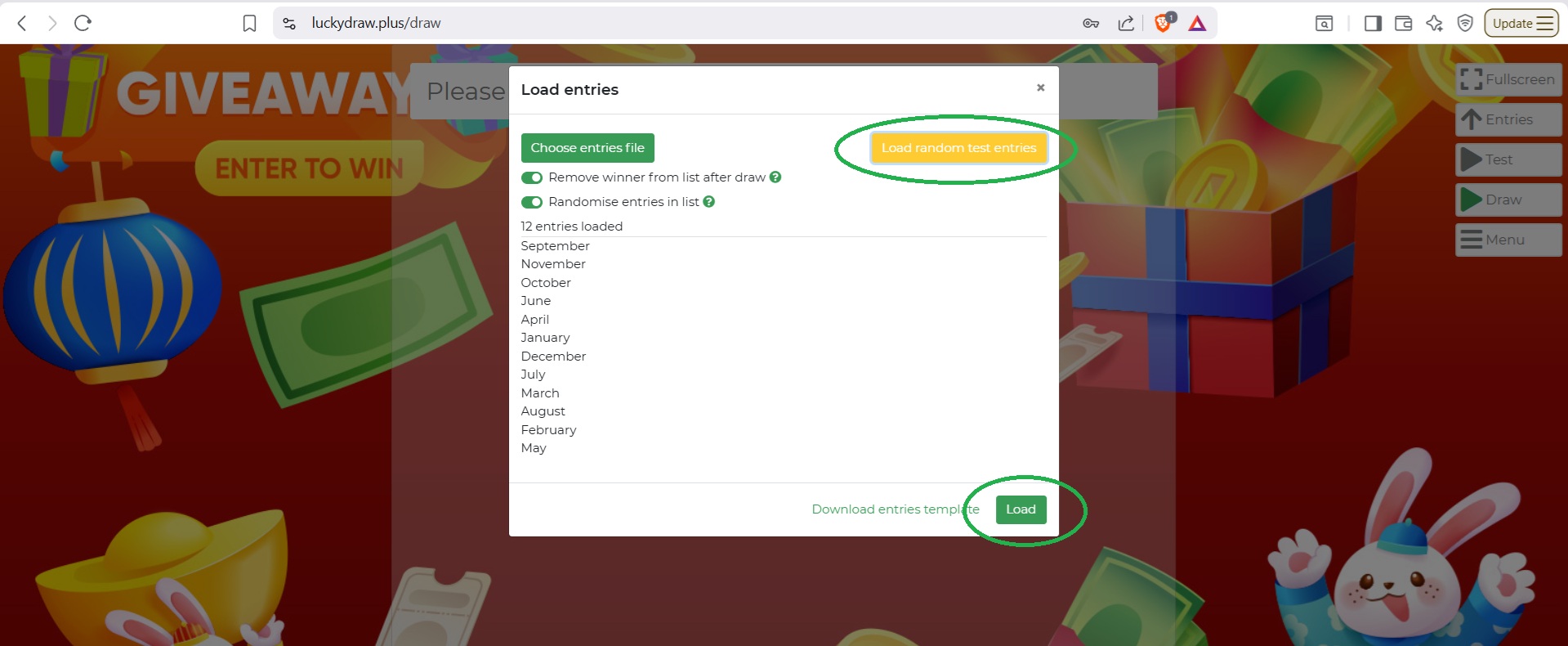
Use the Test or Draw buttons to draw a winner.

Congratulations, you’re up and running!
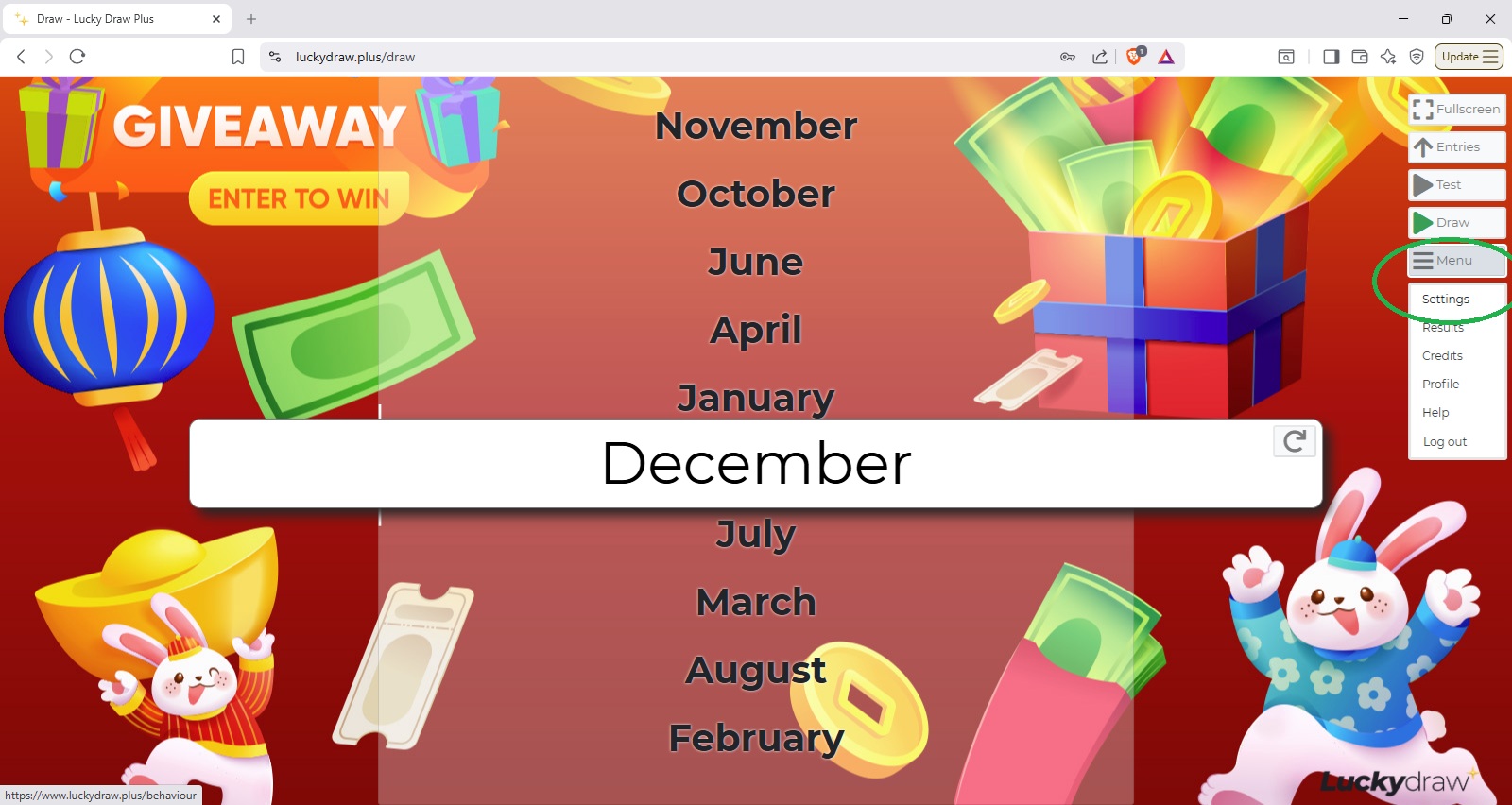
Now that you’ve had some practice doing a draw with Lucky Draw Plus, explore the settings options to customise your draw.
Click on Menu, then Settings.
See also Set up your draw
If you need help creating an entries file, see also Entries files
If you’re planning to collect online QR code entries, see also Online entries
Have fun!