Troubleshooting
Are you having a problem with your draw setup? Don’t worry, most problems are quick and easy to solve, and we can help.
If this section does not solve your problem right away, please contact our Support Team at support@luckydraw.plus anytime for a quick response.
Troubleshooting entries
My entries display with blank spaces
Blank spaces can appear randomly in your entries on the draw screen.
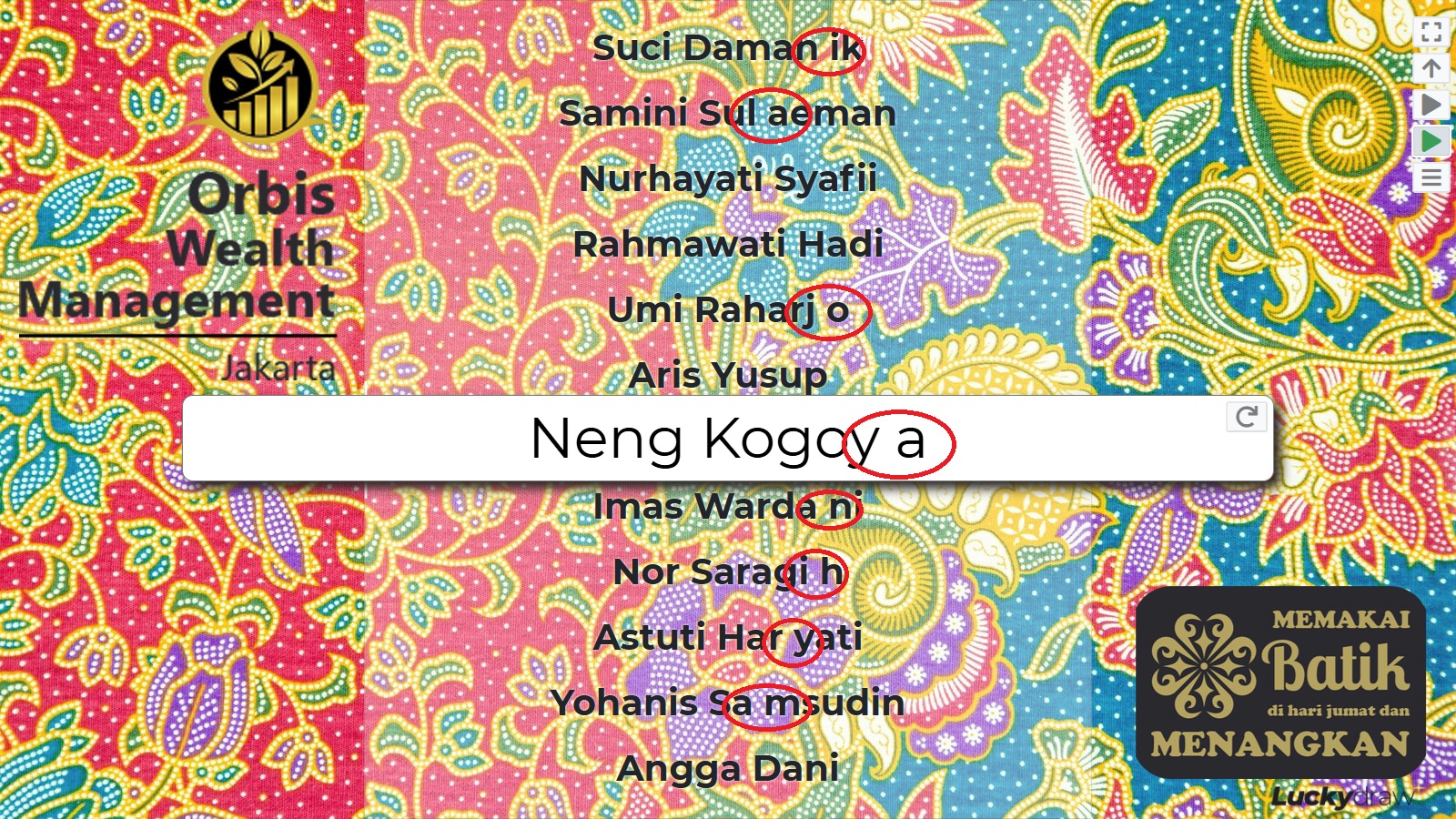
This can happen when you are using a CSV or TXT file with only one column.
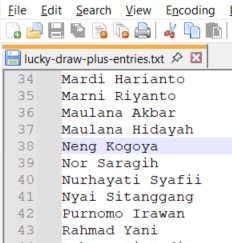
To solve the problem:
Convert your file to a spreadsheet (Excel or other spreadsheet type), or
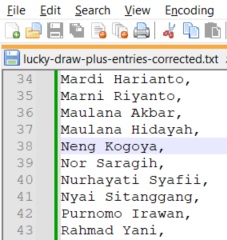
Insert a second (blank) column in your CSV or TXT file.
Original text file - one column only |
Corrected text file - second blank column |
|
|
|
If you are still having problems with your entries file, please email our Support Team at support@luckydraw.plus with a copy of your entries file so we can assist.
Troubleshooting winner certificates
My winner certificate was not saved
When you try to download your winner certificate, you may receive a message to say that your winner certificate was not saved.
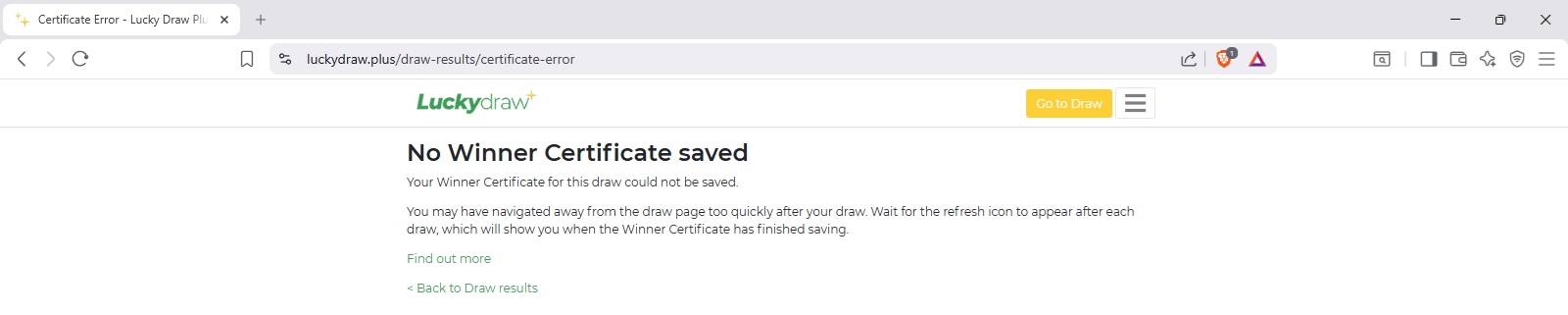
After your draw, it takes a second or two to save your winner certificate. If you navigate too quickly away from your draw, the certificate may not be saved in time. This includes if you:
Close your browser window
Start a new draw
Go to another page, for example Settings or Results.
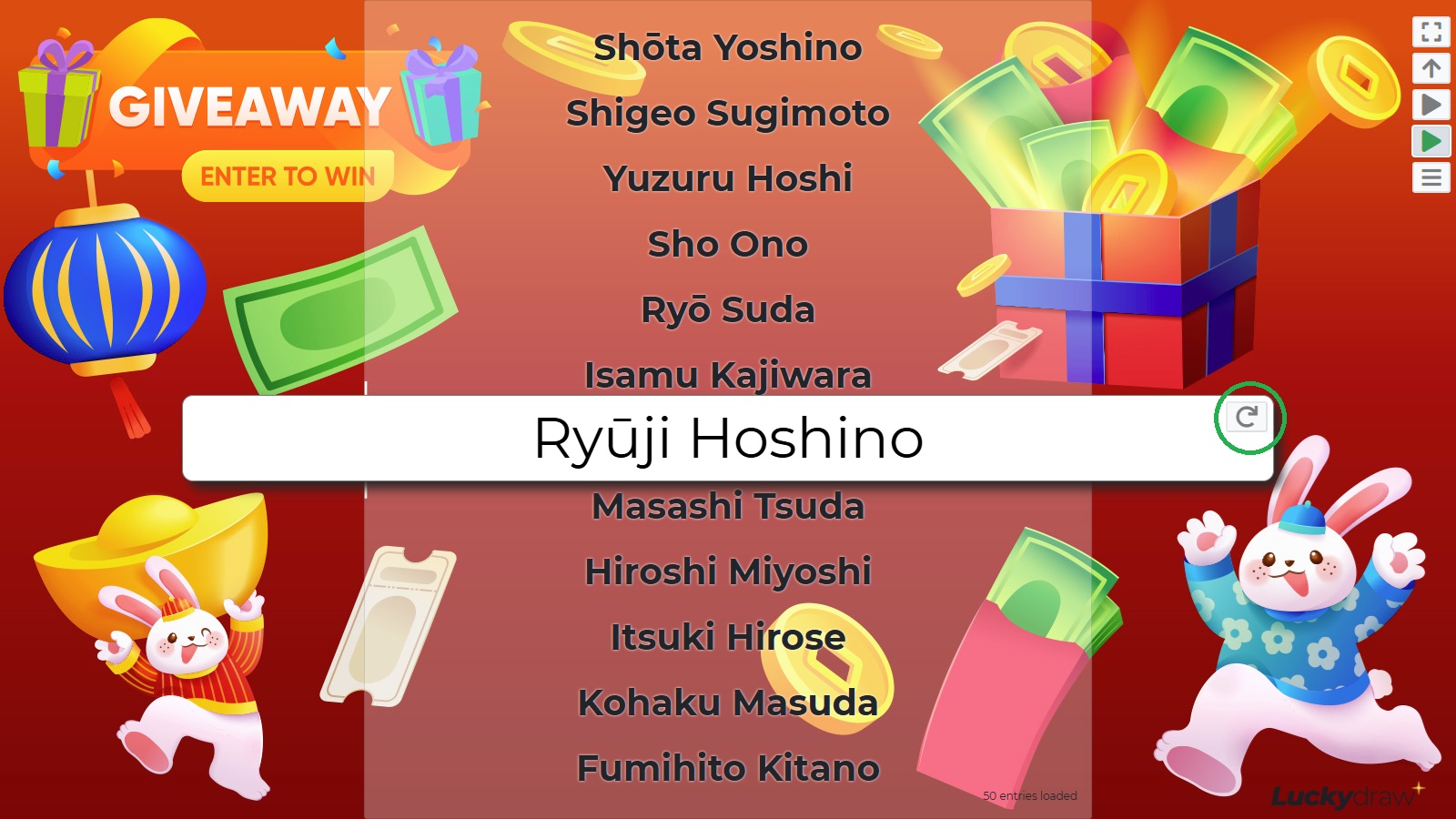
To make sure your winner certificate is saved after each draw, wait for the Refresh icon to appear on the winner banner. This will tell you that the certificate has finished saving. You can then safely re-draw, or navigate to a different page.
My winner certificate is missing data
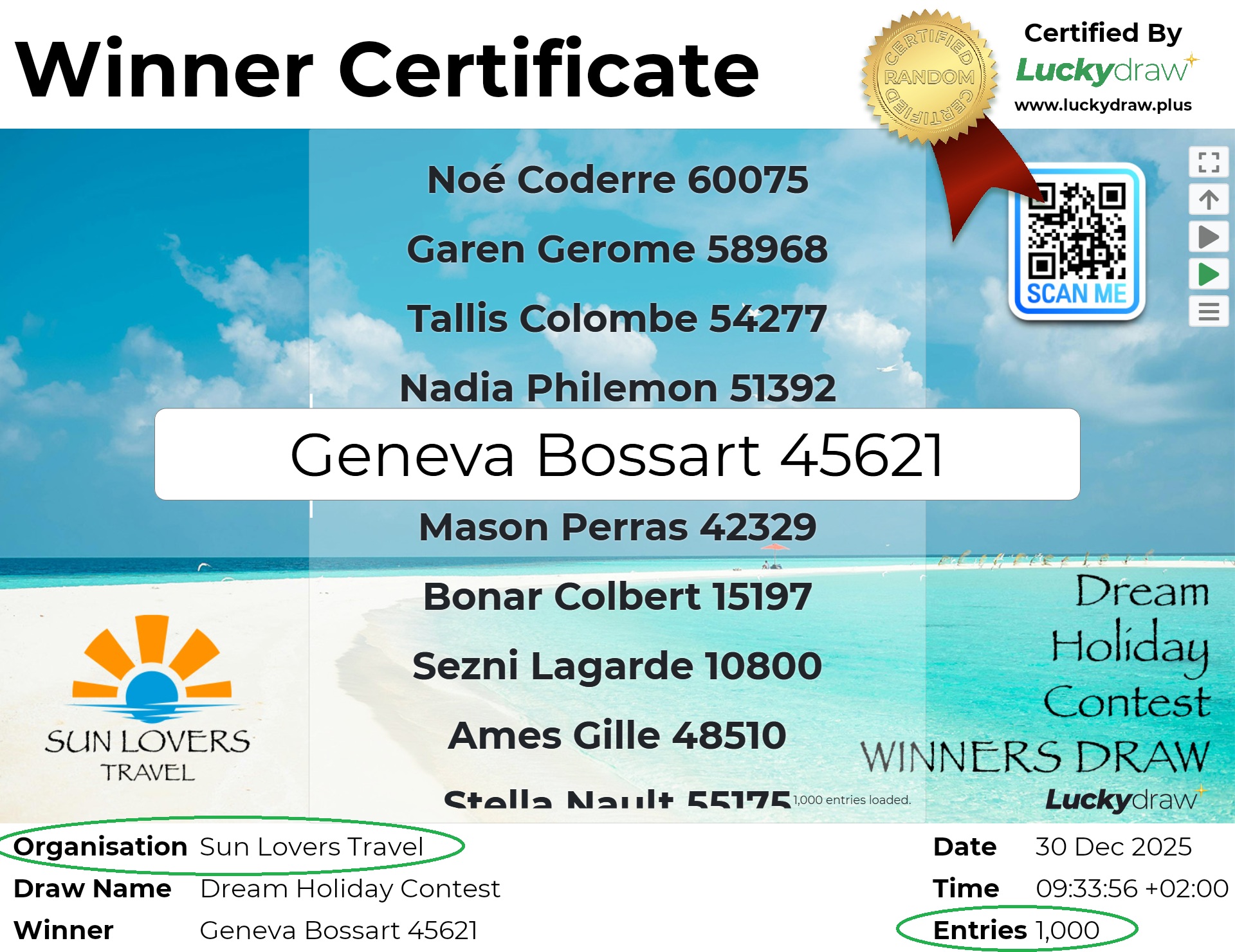
Organisation name and number of entries can be blank on winner certificates.
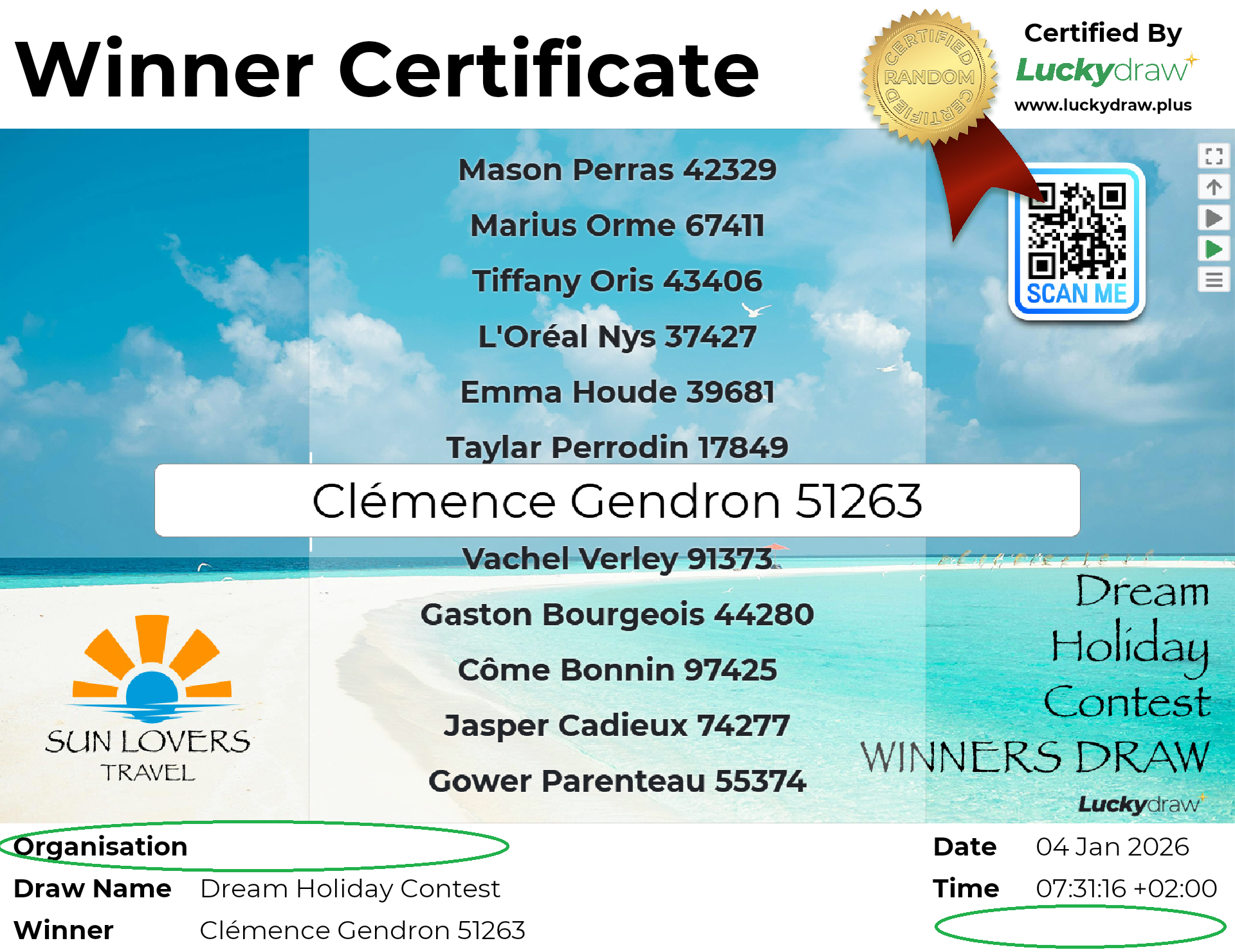
Your winner certificates are created at the time of your draw from:
A screenshot of the screen during your draw (in fullscreen mode or not, as you had it)
Some information from the draw run (timestamp, winner)
Some information from your profile (organisation name)
Some information from your draw settings (draw name, whether or not to show entries count)
Make sure your profile and draw settings are complete before your draw, and that you draw in fullscreen mode if required, in order to make sure your winner certificates will be created as you want them to be.
If your Organisation name is blank, fill in your Profile.
If your number of Entries is blank, go to Settings | Entries and set Show entries count to on.
If you need help populating a winner certificate from a past draw, please contact our Support Team at support@luckydraw.plus.
My winner certificate has disappeared
Winner certificates may be deleted from our servers after a certain period of time.
Test draw certificates are deleted after 24 hours. If you need them, please download them within this time.
Live draw certificates may be deleted one year after your last login to Lucky Draw Plus. Log in at any time before this to retain or download your certificates.